Lights down
How to play music videos at a party
Music videos give a room something to look at and talk about, and all you need is a TV and a laptop. Here's how to set it up so nobody has to stand by the screen all night.
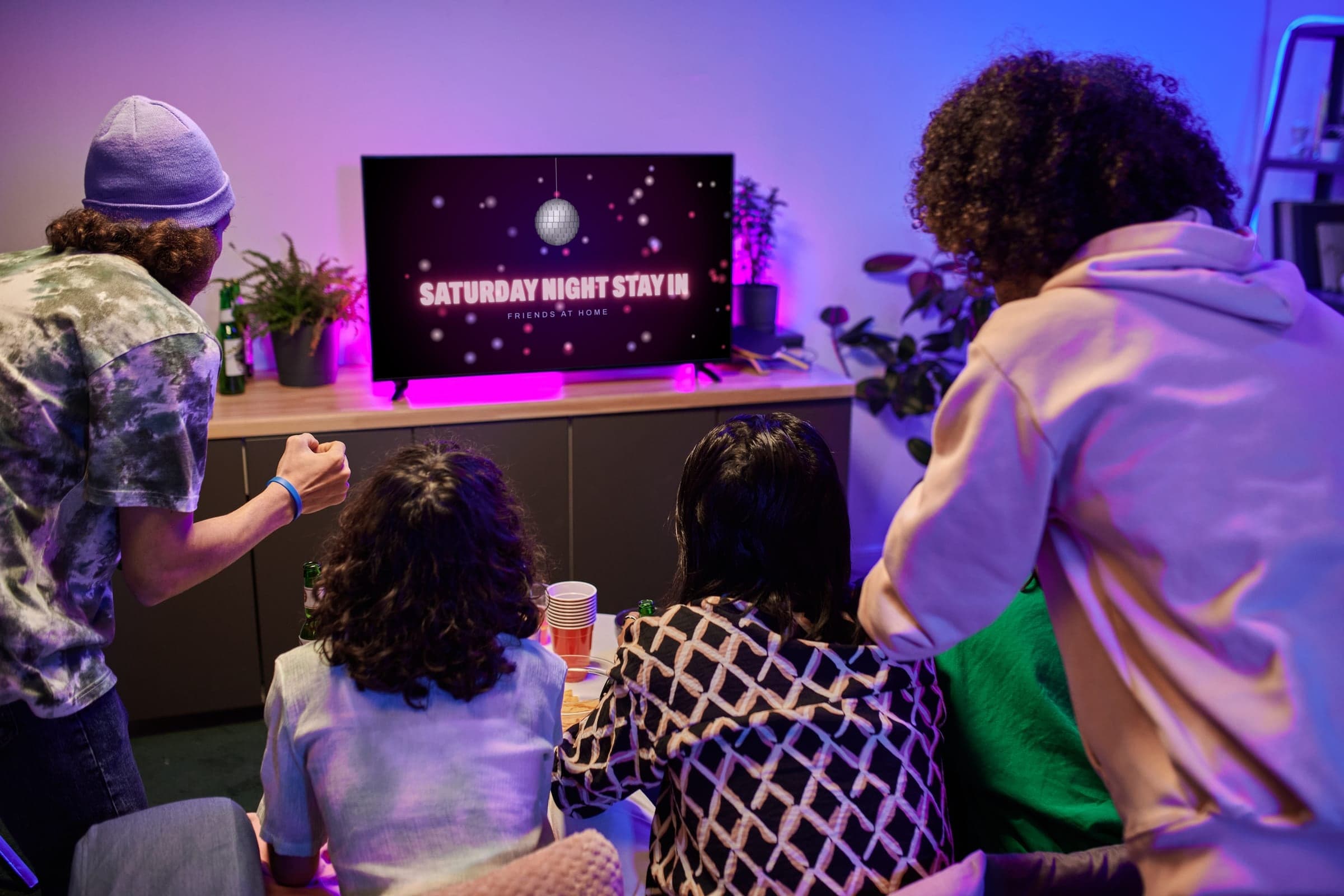
Five steps to a screen that runs itself
01
Get the picture onto the TV
An HDMI cable from a laptop is the most reliable way, because it doesn't depend on your Wi-Fi. Casting a Chrome tab or using AirPlay also works, and our TV page has the steps for each one.
02
Sort out the sound
The sound should come out of the TV once the laptop is connected. If it doesn't, pick the TV as your laptop's sound output, and connect a soundbar or speaker if the room is big.
03
Keep the laptop awake
Plug it in and turn off its sleep setting for the night. If you're using a phone instead, turn on Do Not Disturb, or everyone in the room will see your texts on the TV.
04
Line up the videos ahead of time
Searching for the next video in front of a room is how one person ends up missing the party. Build the whole list first, and use a paid account if your video site would otherwise stop for ads between songs.
05
Make the screen easy to see
Turn the brightness up if it's a daytime party, and move a chair or two so the TV isn't hidden behind people. Music videos work well in the background, so the room doesn't need to face the screen.
Or let us do it
The shortcut
Audiotape makes music video mixtapes from any idea, and we call them tapes for short. One link plays the whole thing full screen, with official music videos flowing into each other, so nobody has to choose the next one. Everyone can join from their phone with the code on the TV, and nobody needs an app or an account. Watching is always free, and you only pay to record one.
- “Music videos with the best choreography” Record this
- “The biggest hits of the 90s” Record this Watch it
- “A neighborhood block party” Record this
Free to watch
Tapes you can play right now
These are Audiotape Originals, the mixtapes we make ourselves. They're free to watch on any screen, and nobody needs an account.
01 / 04
The One With All the Hits (1990s)
“The biggest hits of the 90s”
C-120 · 2 hrs Play02 / 04
Dance Hard
“Top hits of 1988”
C-60 · 1 hr Play03 / 04
Y2Play (2000s)
“The biggest hits of the 2000s”
C-120 · 2 hrs Play04 / 04
Pop Fiction
“Top hits of 1994”
C-60 · 1 hr Play
Music videos from YouTube
Questions
- What's the best way to play music videos on a TV?
- An HDMI cable from a laptop is the most reliable, because it doesn't depend on your Wi-Fi. If you don't have a cable, you can cast a Chrome tab to a Chromecast or Google TV, or use AirPlay from a Mac, iPhone or iPad.
- Why is there no sound on my TV?
- Your laptop is probably still sending the sound to its own speakers. Open your laptop's sound settings and pick the TV as the output, then check that the TV isn't on mute.
- Can I play music videos from my phone?
- Yes. You can cast or use AirPlay from your phone, though a call or a text can interrupt it. A laptop is the safer choice for a whole party, and your phone can stay in your pocket.
Make a tape of your own
Type any idea, like a decade, a band or a friend's birthday, and we'll record the tape in about five minutes.