Bigger is better
Put it on the big screen
Tapes look best on a screen everyone can see. Here are four ways to get one onto your TV, from the most reliable to the quickest.
01
Plug in a laptop
Most reliable
You need: Any TV with an HDMI port, and an HDMI cable (or a USB-C to HDMI adapter).
- 1Connect your laptop to the TV and switch the TV to that input.
- 2Open the tape and press play. It fills the screen by itself.
- 3Sound comes out of the TV. If it doesn't, pick the TV as your laptop's sound output.
02
Cast from Chrome
Chromecast, Google TV and TVs with Chromecast built in
You need: A computer with the Chrome browser, on the same Wi-Fi as your TV.
- 1Open the tape in Chrome.
- 2In Chrome's three-dot menu, choose Cast (it may sit under Save and share).
- 3Pick your TV, make sure it's casting the tab, then press play.
- 4Leave the tab open while the tape plays.
03
AirPlay from Apple
Apple TV and TVs with AirPlay
You need: A Mac, iPhone or iPad on the same Wi-Fi as your TV.
- 1Open Control Center and choose Screen Mirroring, then your TV.
- 2Open the tape and press play.
- 3On an iPhone or iPad, turn it sideways so the video fills the TV.
04
Your TV's web browser
Quickest, if it works on your TV
You need: A smart TV or streaming stick with a web browser.
- 1Open the TV's web browser.
- 2Type the tape's short link, like audiota.pe/popception. Every tape's Share key gives you one.
- 3Press play. Some TV browsers can't play embedded videos. If yours won't, try one of the other ways.
Try it now
Get your TV set up with a free Original.
Then grab your phone
Join in from your phone
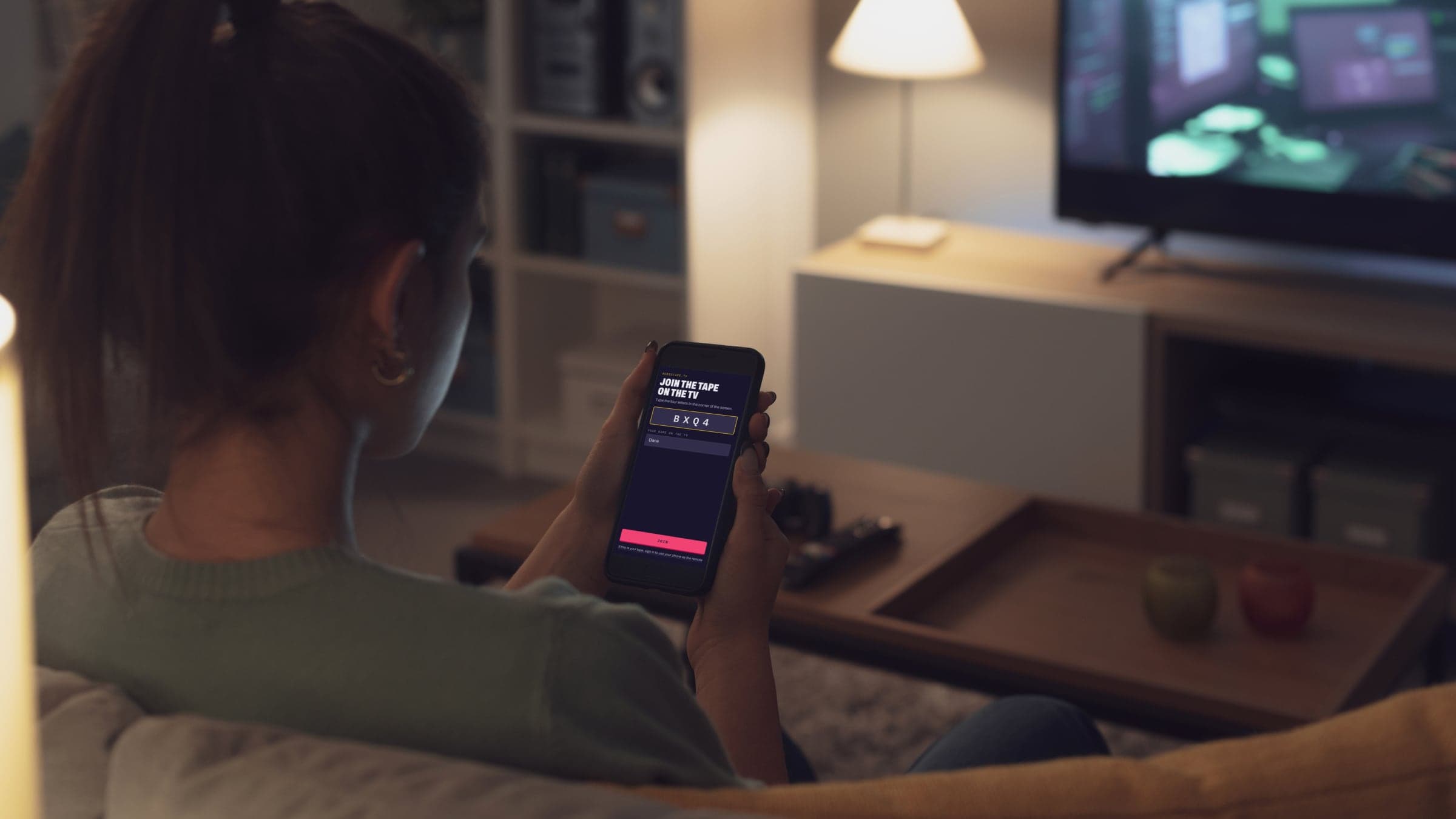
- 1Press play. On a big screen, a QR code and a four-letter code show up in the corner next to the video.
- 2Everyone scans it, or goes to audiotape.tv and types the code, and nobody needs an app or an account.
- 3If you're signed in on the TV, sign in on your phone too and it works as a remote, so you can pause or change the volume from the couch.
React from the couch
Send a heart or a fire up the side of the TV with your name on it, and give every song a thumbs up or down.
Tape Bingo
Everyone gets their own card of things to spot in the videos, and five in a row wins. You can print a stack for the tables, too.
Song of the Night
Guess what year each song came out while it plays. When the tape ends, everyone votes for their favorite.